
Hyundai Bayon — 22 - 23
Tyre-pressure monitoring system reset and calibration guidance.
Reset or calibrate the tyre monitor
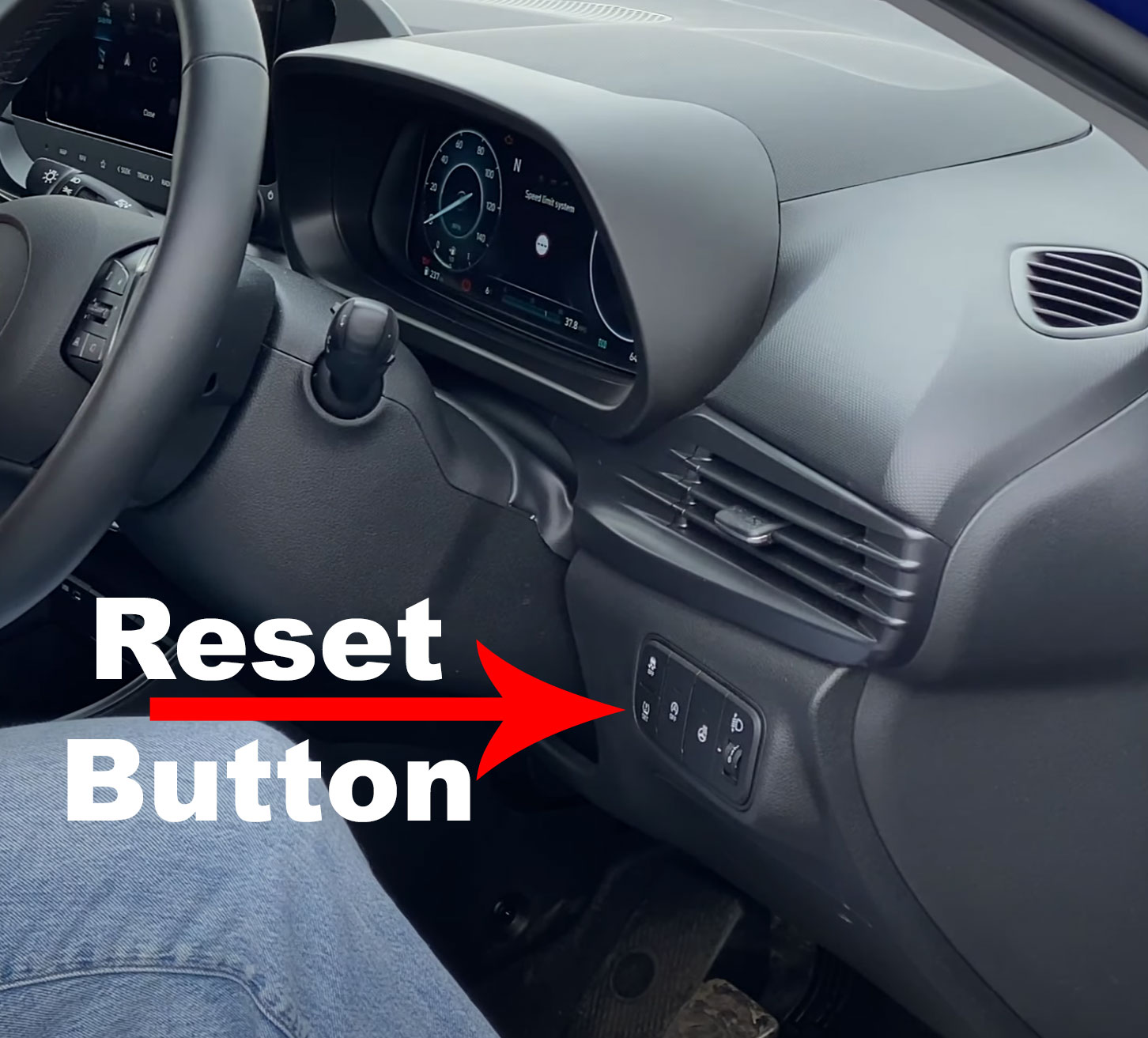
If the tyre pressure has been changed or a tyre is replaced, it must be reset by pressing the TPMS reset button on the dash, this is located just behind the right side of the steering wheel.
Press and hold the button until it confirms the reset on the dash.
Before resetting the system
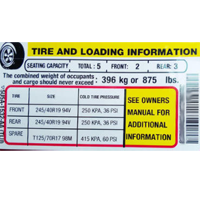
Set all tyres on the Hyundai Bayon to the correct cold pressures first. Resetting the monitor with an incorrectly inflated tyre can store an unsafe reference value.

How tyre-pressure monitoring systems work
Direct TPMS uses a pressure sensor inside each wheel. It can usually identify a pressure loss before the vehicle moves and may show individual tyre pressures on the dashboard. Sensor replacement or relearning can sometimes require specialist equipment.
Indirect TPMS uses the ABS wheel-speed sensors to identify a tyre whose rolling circumference has changed. This system normally needs recalibrating after tyre pressures are adjusted, tyres are replaced or wheels are moved.
Dashboard wording and reset steps vary between trim levels and software versions. Follow the vehicle’s on-screen instructions and owner’s manual where they differ from the guidance above.